You may remove yourself from the section waitlist for an In Classroom Course anytime prior to the waitlist end date of that session.
To remove yourself from a section waitlist:
- Select the Home tab.

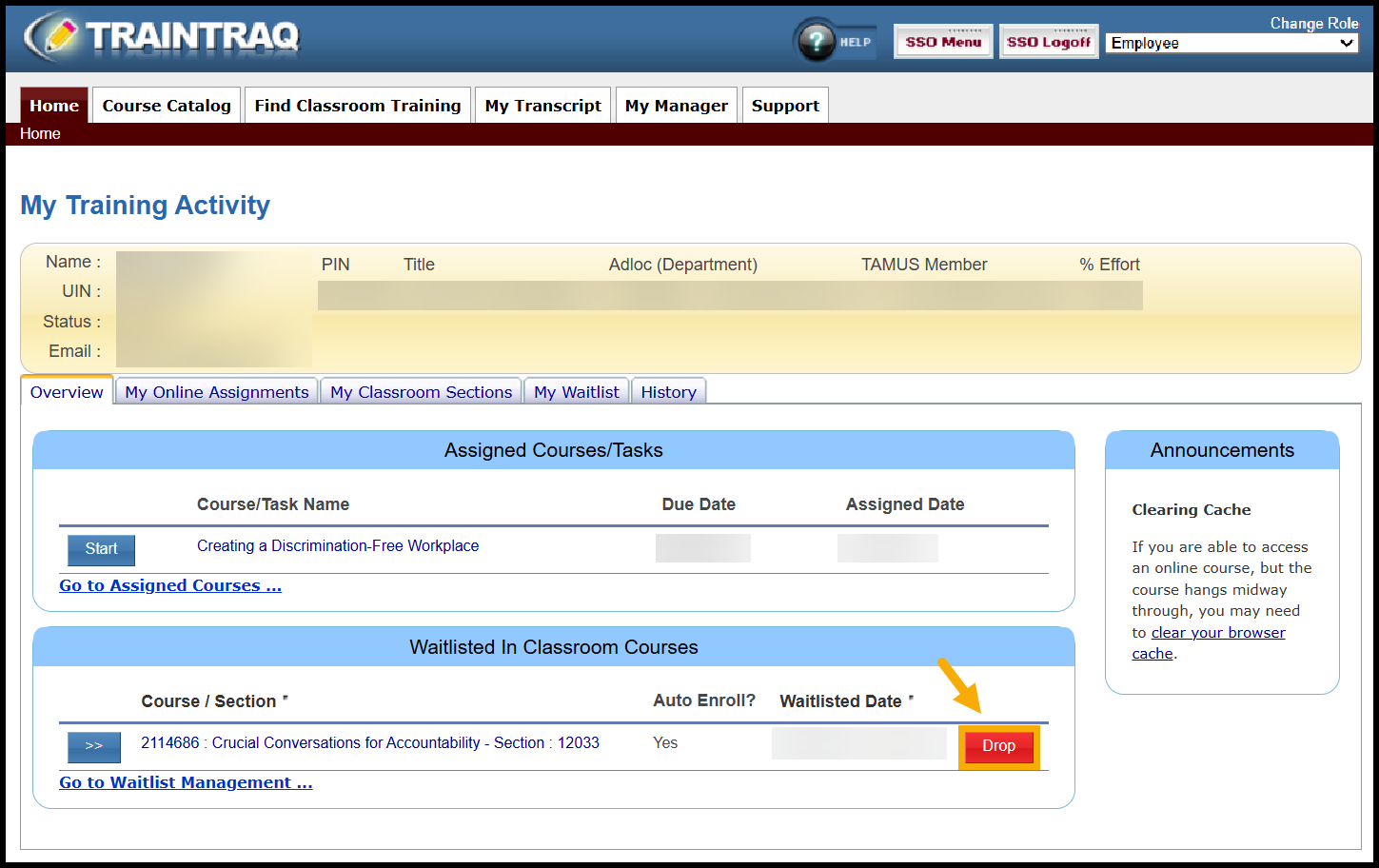
- Under the Overview subtab, find the Waitlisted In Classroom Courses Search for the course you are registered for.

- Click the red Drop button.
- Confirm that you would like to be removed from the waitlist by selecting Yes.

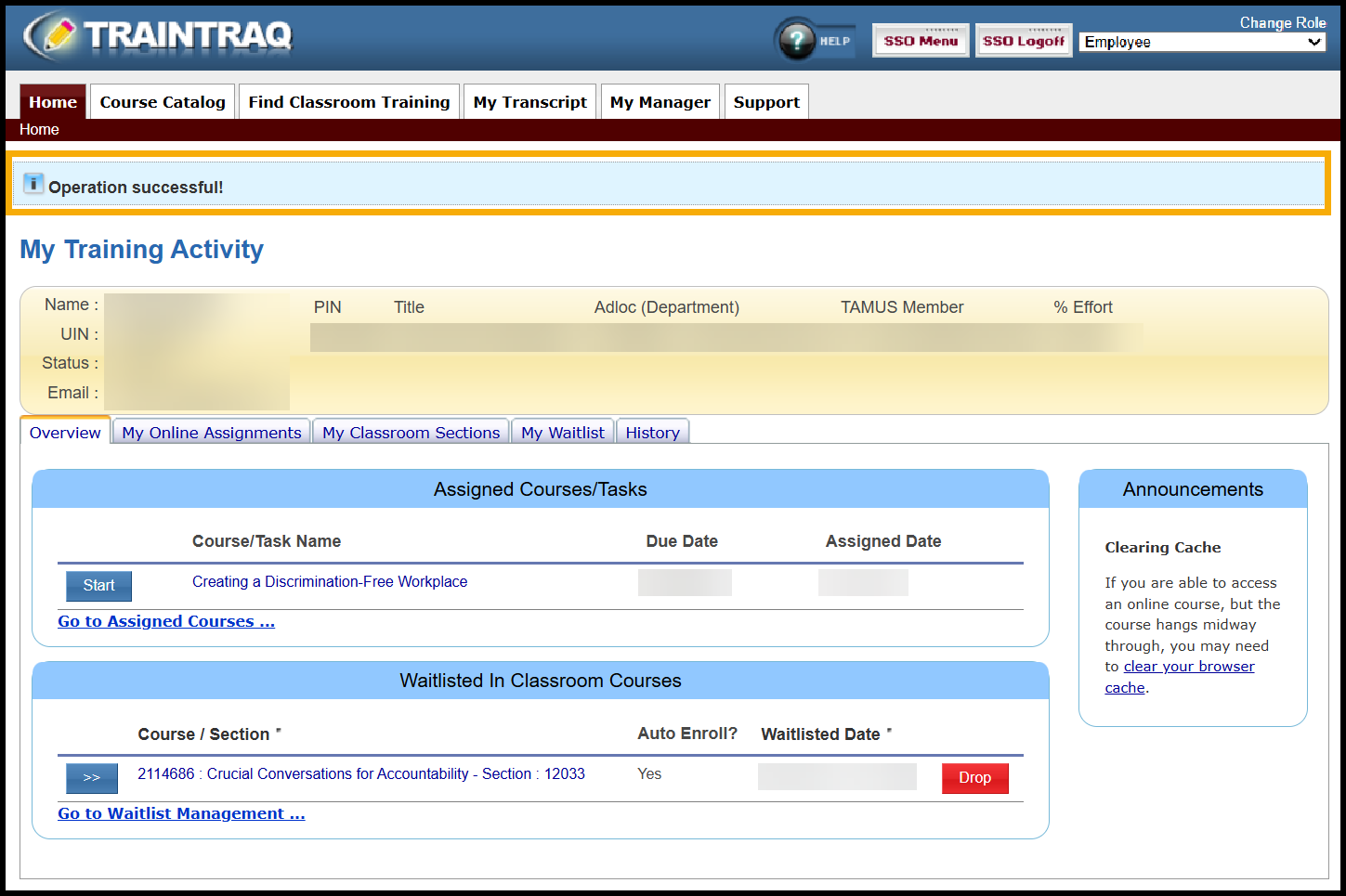
- A message displays at the top of the page to confirm that the training has been dropped. Note: You can refresh your page to see the section is removed from the Waitlisted In Classroom Courses section.