
This job aid outlines the activities for a Manager and Timekeeper to bulk approve hours submitted on a timesheet by an Employee they supervise using the Review Time report.
Bulk Time Approval (Review Time Report)
Last updated on May 13, 2025
Page Loading...Checking SSO..

Important Information
The Review Time Report can also be used by Timekeepers to monitor needed actions once timesheets are locked.
Getting Started
The Review Time report can be used to help Managers and Timekeepers bulk approve time for their employees and also identify employees who have not submitted their time.
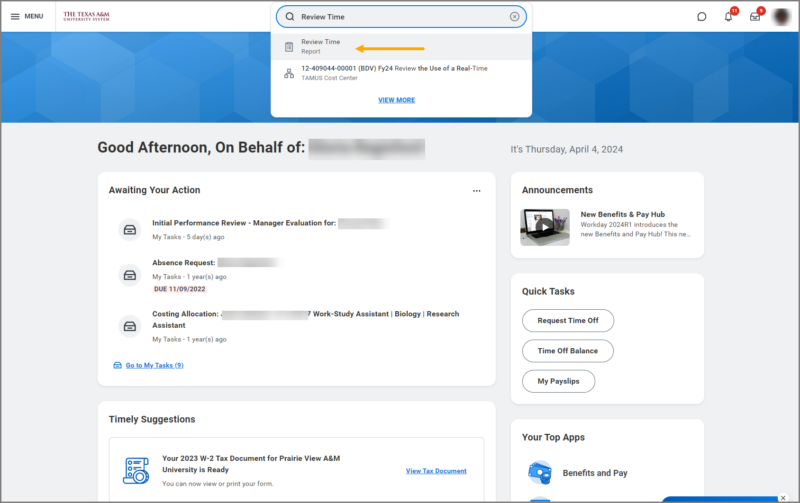
- From your Workday Homepage, navigate to the Search Bar and enter Review Time.
- Select the Review Time report.
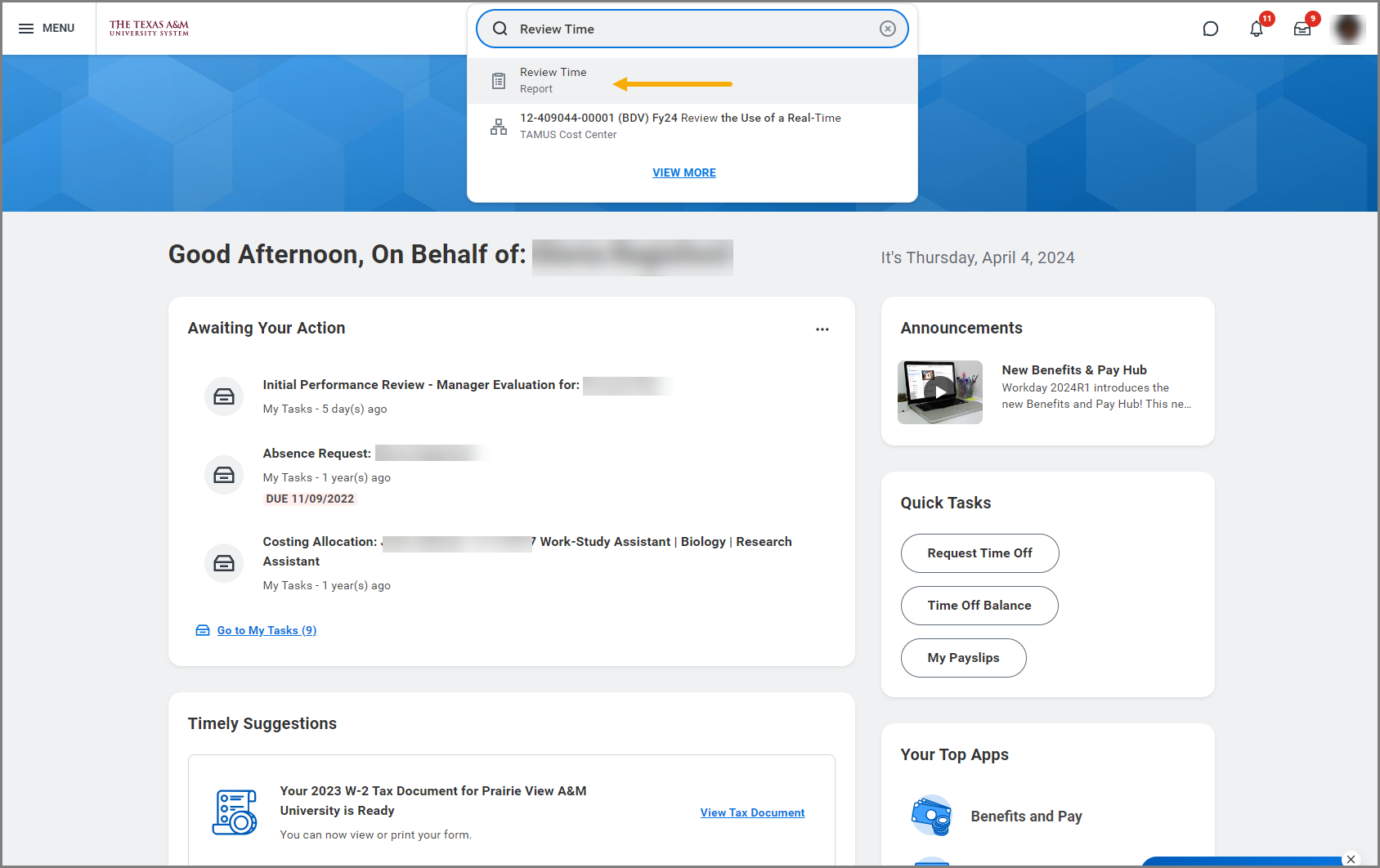
- On the Review Time page, fill in the following information:
-
-
- Date. Enter the date (mm/dd/yyyy) of the pay period you will bulk approve the time.
- Review my direct reports only.
- Timekeepers who have their own supervisory organization will need to uncheck this box to generate a list of all employees.
- Managers should leave this box checked to see only their employees.
- Workers. Timekeepers select the workers whose time they need to review.
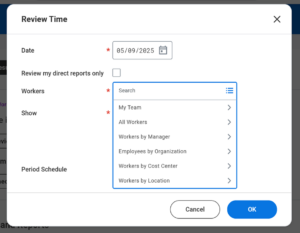 Note: To select all workers in a supervisory organization, press CRTL+A on your keyboard, then press Enter.
 - Show. Select whether you want the report to return All Workers, Workers with Hours to Approve, or Workers with Unsubmitted Hours.
- Period Schedule. (optional) Select Bi-Weekly Period Schedule (SUN-SAT), Monthly, or Weekly.
-

- Select OK.
Bulk Approve Time
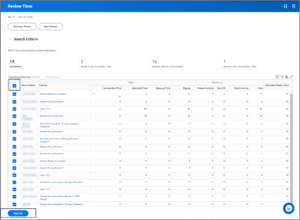
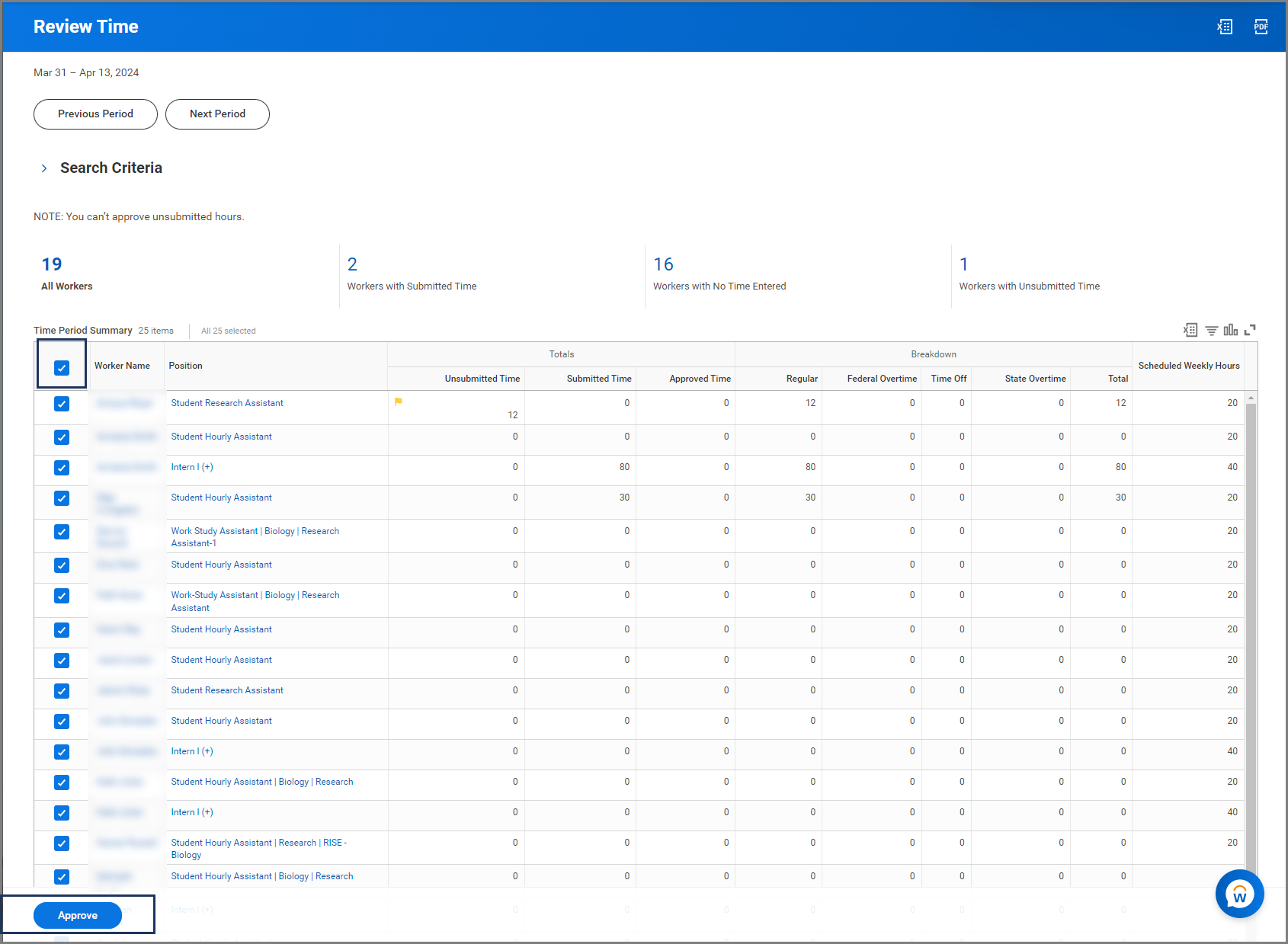
Once the search results return in the report, you will see a list of your employees that fall within in the criteria you selected.
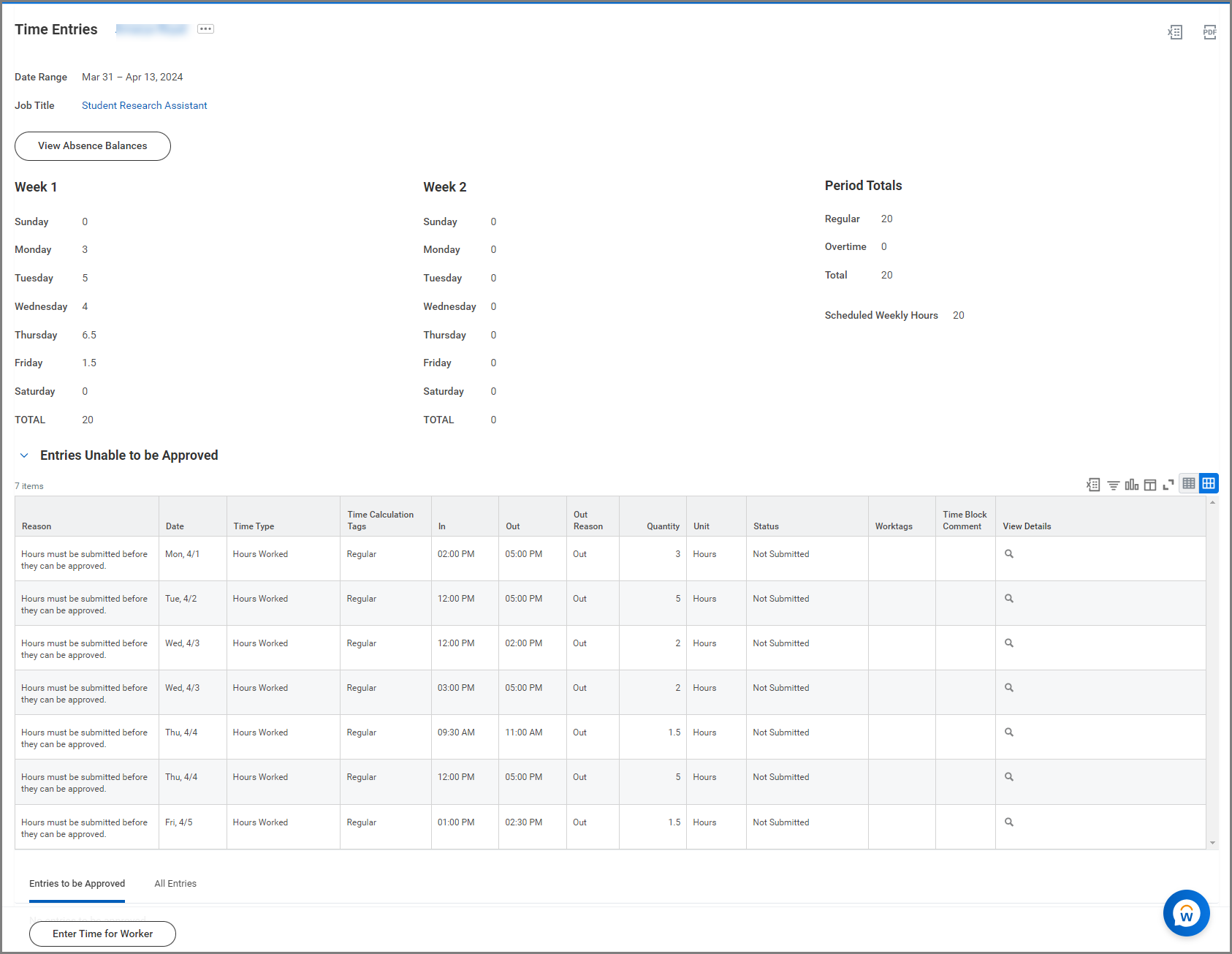
- Review the time for each Employee listed on the report. Select the Employee’s name to view a more detailed report of their hours.

- Once you have completed the review, select the checkbox (near Worker Name column), so that all employees are selected.
- Select Approve.
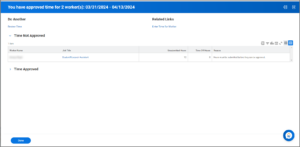
- On the Time Not Approved page, you will have a chance to review employees whose time is not approve.
- Select Done.

You have now completed the Bulk Time Approval business process.