
This job aid outlines the process for a Project Manager to create a resource plan to assign employees to on a project hierarchy.
Create Resource Plan for Hierarchy
Last updated on January 13, 2023
Page Loading...Checking SSO..

Prerequisites
The project hierarchy exists.
Getting Started
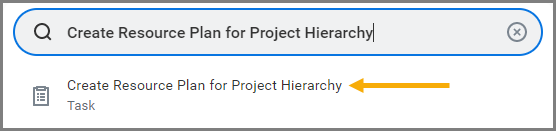
- Search for Create Resource Plan for Project Hierarchy in the Search Bar and select it.

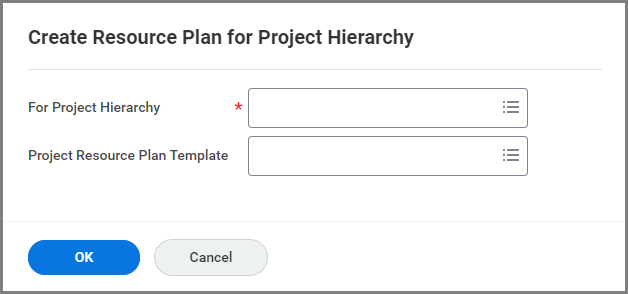
- Select the Project Hierarchy the resource plan should be created for.
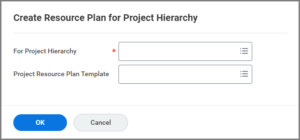
- Select OK.
- Under Resource Plan Line, enter Worker in the Project Role field.

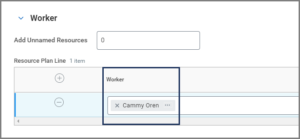
- Under the Worker section, select the Plus Sign (+) icon to create a new row.
- Enter the name of the Worker to be added.


Note: Any Worker from any System Member can be added to a project hierarchy resource plan.
- Add additional workers to the resource plan, if necessary.
- Select OK.
This completes the Create Resource Plan for Project Hierarchy process.